If you’ve ever pulled data from a Google Sheet in Apps Script, you know the pain:
getValues() always gives you a 2D array.
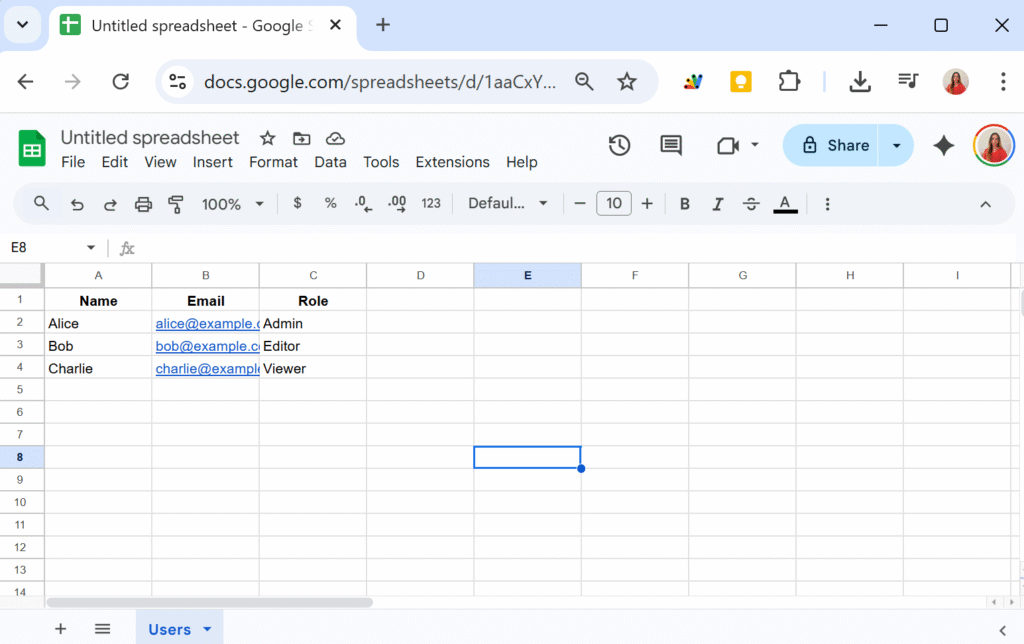
[
  ["Name", "Email", "Role"],
  ["Alice", "alice@example.com", "Admin"],
  ["Bob", "bob@example.com", "Editor"],
  ["Charlie", "charlie@example.com", "Viewer"]
]
That format is fine for small scripts, but it quickly becomes messy.
You end up with unreadable code like:
const data = sheet.getDataRange().getValues();
for (let i = 1; i < data.length; i++) {
  const name = data[i][0];
  const email = data[i][1];
  const role = data[i][2];
  // ...
}
Hard to read. Easy to break. And if someone reorders the spreadsheet columns, your code will suddenly pull the wrong data.
A Cleaner Way: Convert to Array of Objects
Instead of juggling indexes, let’s wrap the data in a class that automatically maps each row into an object , using the first row of the sheet as headers.
class Data {
  constructor(sheetName) {
    this.spreadsheet = SpreadsheetApp.getActiveSpreadsheet();
    this.sheetName = sheetName;
    this.sheet = this.spreadsheet.getSheetByName(this.sheetName);

    if (!this.sheet) throw `Sheet ${this.sheetName} not found.`;

    const data = this.sheet.getDataRange().getValues();
    this.headers = data.shift();
    this.rows = data.map(row =>
      row.reduce((record, value, i) => {
        record[this.headers[i]] = value;
        return record;
      }, {})
    );
  }
}
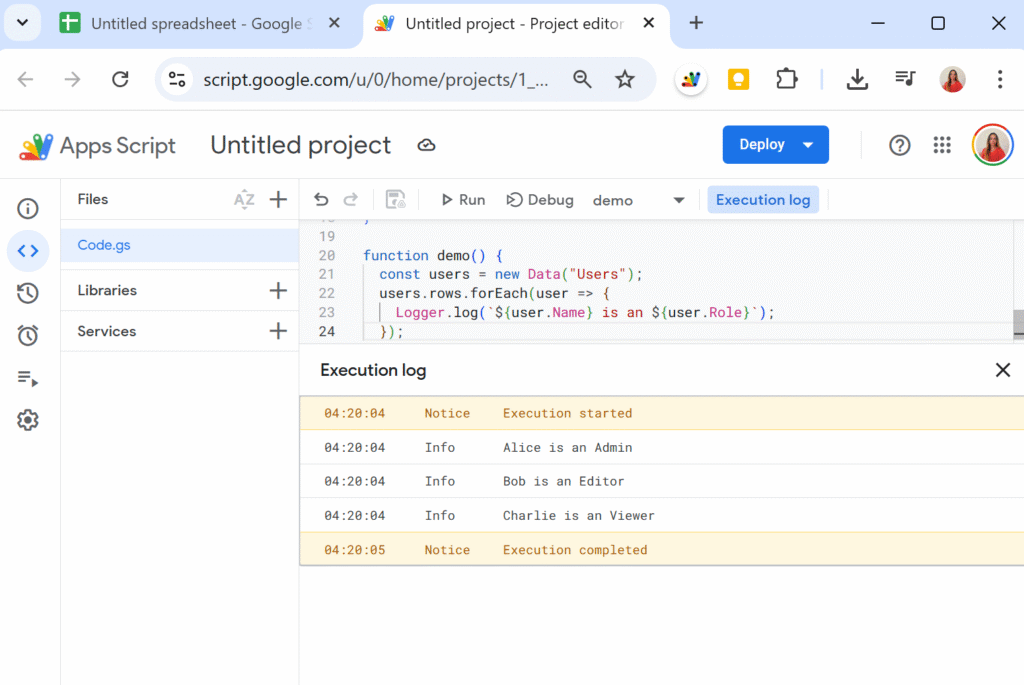
Now, when we create a new Data instance:
function demo() {
  const users = new Data("Users");
  Logger.log(users.rows);
}
We can now have an array of objects as follow:
[
  { Name: "Alice",   Email: "alice@example.com",   Role: "Admin" },
  { Name: "Bob",     Email: "bob@example.com",     Role: "Editor" },
  { Name: "Charlie", Email: "charlie@example.com", Role: "Viewer" }
]
From here, working with the data is straightforward — no more i and j index gymnastics or confusing double loops!